
How to fix the ‘Not Found’ Error
Sometimes when you come to a page you might see the “Not Found” error displaying on the page instead of the content you thought you were going to see.
And it will look just like this:
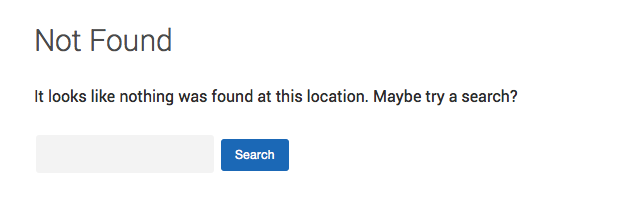
Now, of course we are working feverishly to make sure this doesn’t happen to anyone, but the odd time when we make system updates some page content on your Hubbli site might seem to disappear and give you this nice little ‘Not Found’ error message. But don’t fret, nothing has actually disappeared, all you need to do is reset your ‘Permalinks’.
Here’s how you fix this pesky issue in a few clicks:
-
Go to your admin dashboard
-
Click on Settings
-
Click on Permalinks
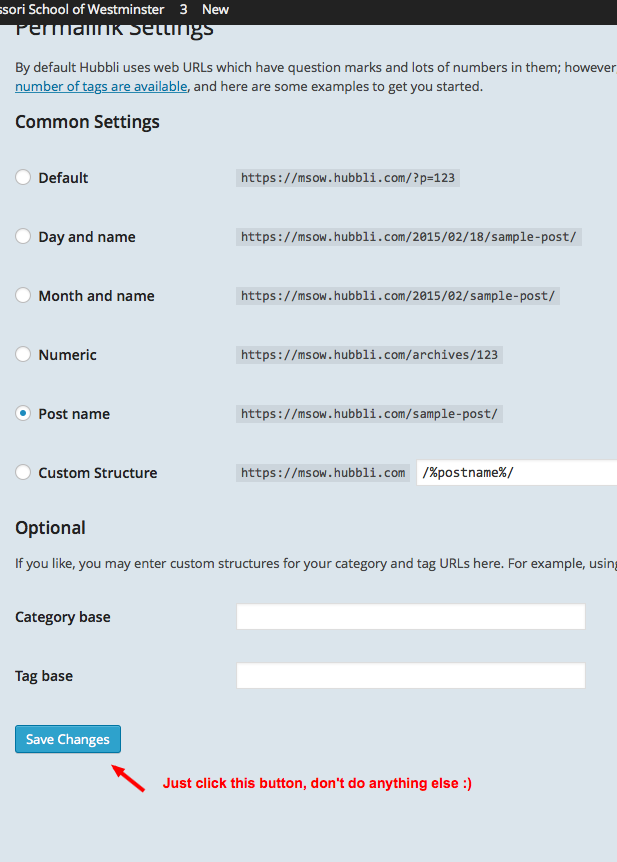
Then all you have to do is click the save button and presto, your page will be back to normal. See pic below:
So why does this happen? Well that’s a long and boring technical story but rest assured, we’re all over it like white on rice!
And as always, if you would rather we just take of this for you then by all means call 1-888-415-4450, email support@hubbli.com or book a support session at https://support.hubbli.com/support-calendar and we’ll take care of this for you.